Grand Theft Auto VI is almost here, and it is huge in every sense. Rockstar Games has confirmed that the GTA 6 download size is up to 212 GB, and pre-loading starts on November 10, nine days before the game launches on November 19. If you have pre-ordered the game, now is the time to clear space, because 212 GB is roughly a third of a base PS5’s usable storage.
Here is everything you need to know: the exact pre-load start times on PS5 and Xbox, how much space you really need, and how to make sure the download starts on its own.
How big is the GTA 6 download?
Rockstar says the GTA 6 pre-load “will require up to 212 GB depending on your device.” That is the ceiling, not a separate figure for each console, so if you have 212 GB free, the game fits on either machine.
Sony’s own PlayStation Blog gives the same advice to PS5 owners: clear a minimum of 212 GB before the pre-download begins. The UK Xbox Store separately lists an approximate size of 209.86 GB, which lines up with Rockstar’s figure once you allow for the different ways stores count gigabytes.
That is a big download by any measure. On an original 825 GB PS5, which has about 667 GB of usable space, GTA 6 alone takes up roughly a third of the drive. On a 1 TB PS5 Slim or a 1 TB Xbox Series X, with around 800 GB usable, it fills about a quarter. On a 512 GB Xbox Series S, with only about 364 GB usable, it needs more than half of the space you actually have.
The pre-load is the full game as it stands now. A day-one patch may add more on launch day, though Rockstar has not confirmed its size. Some outlets estimate 15 to 50 GB, but that is only an estimate. The safe move is to free up more than 212 GB — around 250 GB gives you room for the patch and updates.
When does the GTA 6 pre-load start?
Rockstar confirmed the date on November 3: pre-loading opens on Tuesday, November 10, 2026. The start time is different on each console.
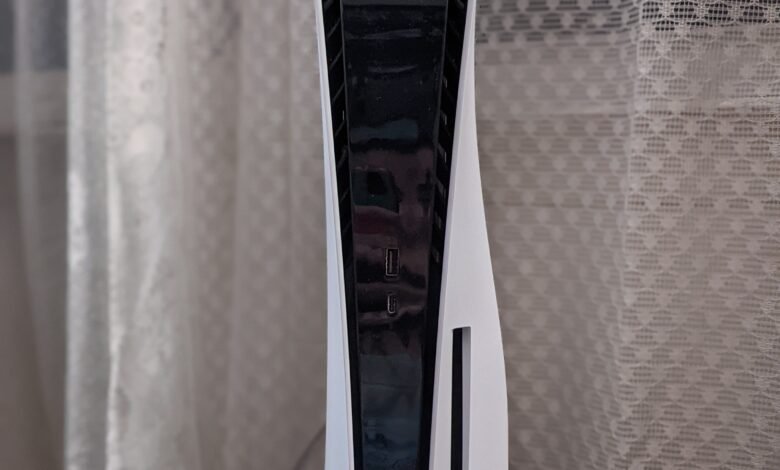
On PS5, the digital pre-load begins at midnight local time in your own time zone on November 10. That means players in New Zealand and Australia get it first, and players in the United States get it last.
On Xbox Series X|S, the pre-load opens everywhere at the same moment: 12 a.m. GMT on November 10. In the United States, that is the evening of Sunday, November 9 — 7 p.m. ET, 6 p.m. CT, 5 p.m. MT and 4 p.m. PT.
That is two days earlier than Rockstar first listed. Pre-order pages originally showed November 12 as the pre-load date, and Rockstar moved it forward to November 10, which gives players on slower connections more time to finish the download before launch.
How long will the 212 GB download take?
It depends on your connection. At 100 Mbps, a 212 GB download takes about 4 hours and 45 minutes. At 50 Mbps, plan on more than 9 hours. At slower speeds, it can take a full day, which is why the nine-day pre-load window matters.
Start the download as soon as it opens in your region, and leave the console connected overnight if you can. The game itself will not unlock until November 19, so there is no rush on the last day — but there is also no reason to wait.
How to pre-load GTA 6 on PS5
The pre-load is only available if you have pre-ordered the game. Once you have, there are two ways to make sure the download starts.
First, let the console do it by itself. Go to Settings, then Saved Data and Game/App Settings, then Automatic Updates, and turn on Auto-Download. Leave the console in rest mode with an internet connection switched on, and it will start pulling the game as soon as the pre-load opens in your time zone.
Second, start it yourself. Open your Game Library, find Grand Theft Auto VI in your purchased games, and select download. You can also use the PlayStation App to send the download to your PS5 while you are away, as long as the console is in rest mode and set to stay connected to the internet.
How to pre-load GTA 6 on Xbox Series X|S
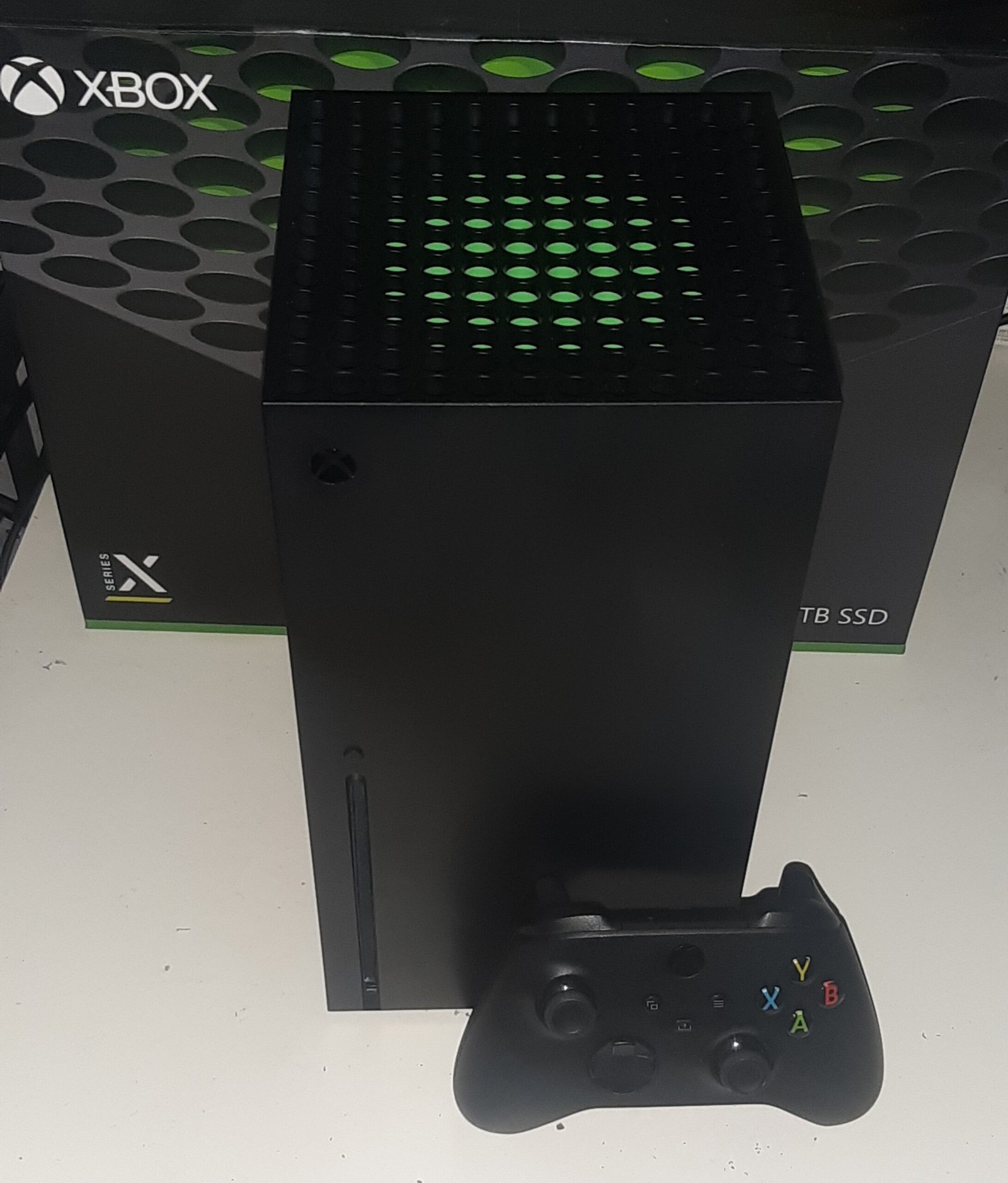
On Xbox, a pre-ordered digital copy usually installs itself if the console is set to keep games up to date. To start it yourself, open My games and apps, go to Full library, and look in the pre-ordered games section.
Rockstar’s two conditions are the same as on PlayStation: automatic updates must be switched on, and the console must be powered on or in Sleep mode. The download opens at 7 p.m. ET on Sunday, November 9, so American players can start it on Sunday evening rather than waiting for Tuesday.
What about the boxed copy?
The boxed edition of GTA 6 does not contain the game on a disc. It comes with a download code inside the case, and the boxes reach stores on November 12. Once you buy one, redeem the code in your console’s store and the same large download starts.
That means physical buyers are on a different schedule from digital buyers. They cannot start downloading until November 12, a week before launch, and they still need the full 212 GB free.
How to free up 212 GB of space
Start with the games you have finished. On PS5, go to Settings, then Storage, then Console Storage, then Games and Apps, and delete the ones you no longer play. You keep the games you bought and can download them again later.
On Xbox Series X|S, open your storage settings and sort your installed games by size. Uninstall the biggest ones you have finished; anything you bought can be downloaded again.
If you do not want to delete anything, move games instead. On PS5, you can move games to a USB drive set up as extended storage, but PS5 games cannot be played directly from USB — you copy them back when you want to play. A PS5-compatible M.2 SSD is the cleanest long-term fix, and it lets you play games straight from the extra storage.
On Xbox, Series X|S games run from the internal drive or the official Storage Expansion Card. You can move a game to a USB drive for storage, but not to play it. The safest plan is to free the full 212 GB on the console itself, since Rockstar has not said whether GTA 6 can run from external storage.
What to do before November 10
Check your storage now, not on the night the pre-load opens. Free up at least 212 GB, and 250 GB if you can, to leave room for the day-one patch. Turn on auto-downloads, and make sure your console can stay connected to the internet in rest mode or sleep mode.
Update your console’s system software too, and check that your pre-order is showing in your library. Then, when the pre-load opens, the download can start on its own — and on November 19, you will be ready to play the moment the game unlocks.
For the bigger picture on the game itself, read our guide to GTA 6’s 39 new screenshots in Rockstar’s launch gallery. If you want the full step-by-step for each console, this detailed GTA 6 pre-load guide covers the download times and storage settings in depth.
Frequently asked questions
How big is the GTA 6 download?
Up to 212 GB, according to Rockstar. The UK Xbox Store lists about 209.86 GB, and Sony tells PS5 owners to clear a minimum of 212 GB.
When does GTA 6 pre-loading start?
November 10, 2026. On PS5 it opens at midnight local time. On Xbox Series X|S it opens at 12 a.m. GMT, which is 7 p.m. ET on Sunday, November 9 in the United States.
Can I play GTA 6 as soon as it downloads?
No. The pre-loaded files stay locked until the game launches on November 19, 2026, at midnight local time.
Do I need to pre-order to pre-load?
Yes. The pre-load is only for players who have pre-ordered the game digitally. Boxed copies, which contain a download code, go on sale on November 12.
Will GTA 6 come to PC?
Rockstar has not announced a PC version. The game launches on November 19, 2026, on PS5 and Xbox Series X|S only.