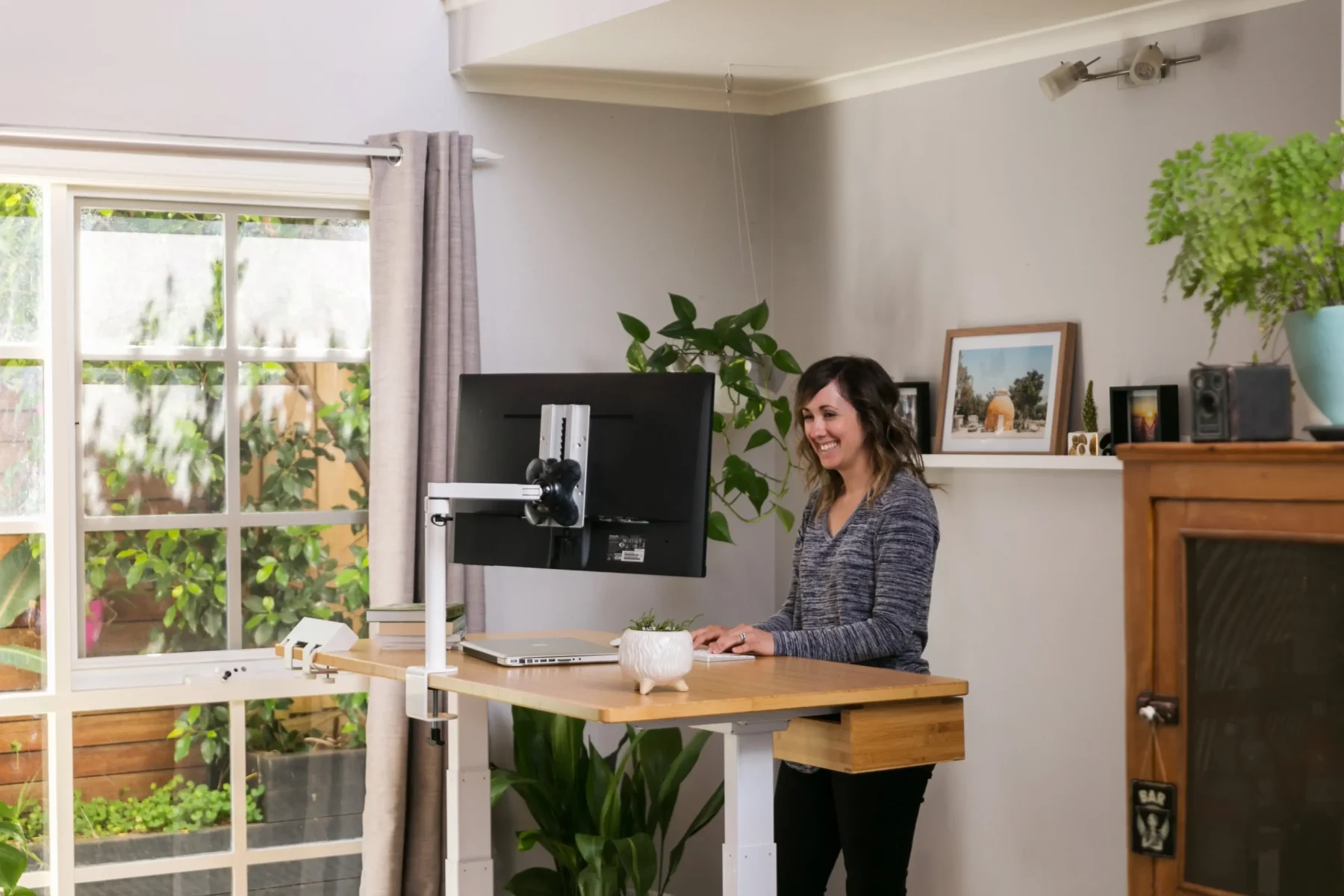
The modern workplace has transformed rapidly, and a professional Remote Work Setup is no longer a luxury. It has become an essential part of daily productivity, communication, and career success. Whether we work full-time from home, follow a hybrid schedule, or manage freelance projects remotely, the quality of our setup directly affects focus, efficiency, and mental well-being.
A poor home office arrangement can lead to distractions, physical discomfort, reduced productivity, and communication problems. On the positive side, a carefully planned workspace improves concentration, reduces stress, increases motivation, and creates a healthier work routine. The difference between a frustrating workday and a productive one often comes down to the details of the workspace itself.
In this complete guide, we will explore how to build the perfect remote workspace, choose the right equipment, improve comfort, manage distractions, and maintain long-term productivity. This article covers every important aspect of a successful work-from-home environment while remaining practical, realistic, and easy to follow.
Why a Professional Remote Work Setup Matters
A strong Remote Work Setup supports both professional performance and personal well-being. Remote employees spend long hours sitting, attending meetings, managing deadlines, and collaborating online. Without the proper environment, even simple tasks can become exhausting.
An organized workspace helps us stay mentally focused and physically comfortable. Good lighting, ergonomic furniture, fast internet, and reliable technology all contribute to improved efficiency. When our workspace feels professional, our mindset naturally becomes more productive.
However, ignoring workspace quality creates negative consequences. Poor posture may cause neck pain, back pain, and fatigue. Weak internet connections may interrupt important meetings. Excessive noise can reduce focus and create frustration. These problems slowly damage productivity over time.
A positive remote office environment encourages discipline, consistency, and better time management. It also creates a clear separation between work and personal life, which is critical for long-term balance.
Choosing the Best Location for Your Home Office
Select a Quiet and Dedicated Space
The first step in building a productive remote office is selecting the right location. A dedicated workspace minimizes distractions and creates a professional atmosphere.
We should choose an area with minimal household noise and interruptions. Bedrooms, spare rooms, or unused corners can work effectively if organized properly. Even a small workspace can become highly productive when designed carefully.
Working from a couch or bed may seem comfortable initially, but it often reduces focus and creates poor posture habits. A dedicated desk area signals the brain that it is time to work.
Prioritize Natural Lighting
Natural light improves mood, energy, and concentration. Positioning the desk near a window can make the workspace feel more open and less stressful.
Dark environments often increase fatigue and reduce motivation. If natural light is limited, high-quality LED lighting becomes essential. Balanced lighting prevents eye strain and creates a professional appearance during video meetings.
Essential Equipment for the Perfect Remote Work Setup
Reliable Computer and Accessories
A fast and dependable computer is the foundation of remote productivity. Slow systems create delays, frustration, and workflow interruptions.
Key accessories include:
- Wireless keyboard
- Ergonomic mouse
- External monitor
- Noise-canceling headphones
- Webcam
- USB hub or docking station
An external monitor significantly improves multitasking and reduces screen fatigue. Dual-monitor setups are especially helpful for professionals managing multiple applications simultaneously.
High-Speed Internet Connection
A weak internet connection can negatively affect meetings, uploads, communication, and overall productivity. Stable internet is one of the most important investments for remote professionals.
We should use:
- High-speed broadband
- Backup mobile hotspot
- Updated router
- Ethernet connection when possible
Strong connectivity ensures uninterrupted workflow and professional communication.
Ergonomic Furniture for Long-Term Comfort
Invest in an Ergonomic Chair
A quality chair supports posture and reduces physical strain during long work sessions. Sitting for extended periods in uncomfortable furniture can cause severe discomfort over time.
An ergonomic chair should include:
- Adjustable height
- Lumbar support
- Comfortable cushioning
- Armrest support
- Proper back alignment
Good posture improves focus, reduces fatigue, and supports long-term health.
Use the Right Desk Height
Desk height directly impacts wrist and shoulder comfort. If the desk is too high or too low, it can create unnecessary strain.
Our elbows should rest comfortably at a 90-degree angle while typing. Monitors should remain at eye level to avoid neck tension.
Standing desks have also become increasingly popular because they encourage movement and reduce sedentary habits.
Organizing Your Workspace for Maximum Productivity
Reduce Clutter and Distractions
A cluttered environment often leads to mental distraction. Organized workspaces improve concentration and efficiency.
We should keep only essential items on the desk:
- Laptop or monitor
- Notebook
- Pen holder
- Water bottle
- Minimal decorations
Excessive clutter creates visual stress and reduces productivity.
Cable Management Solutions
Messy cables make workspaces look unprofessional and chaotic. Cable organizers, clips, and under-desk trays help maintain a clean appearance.
Simple organization techniques improve both functionality and aesthetics.
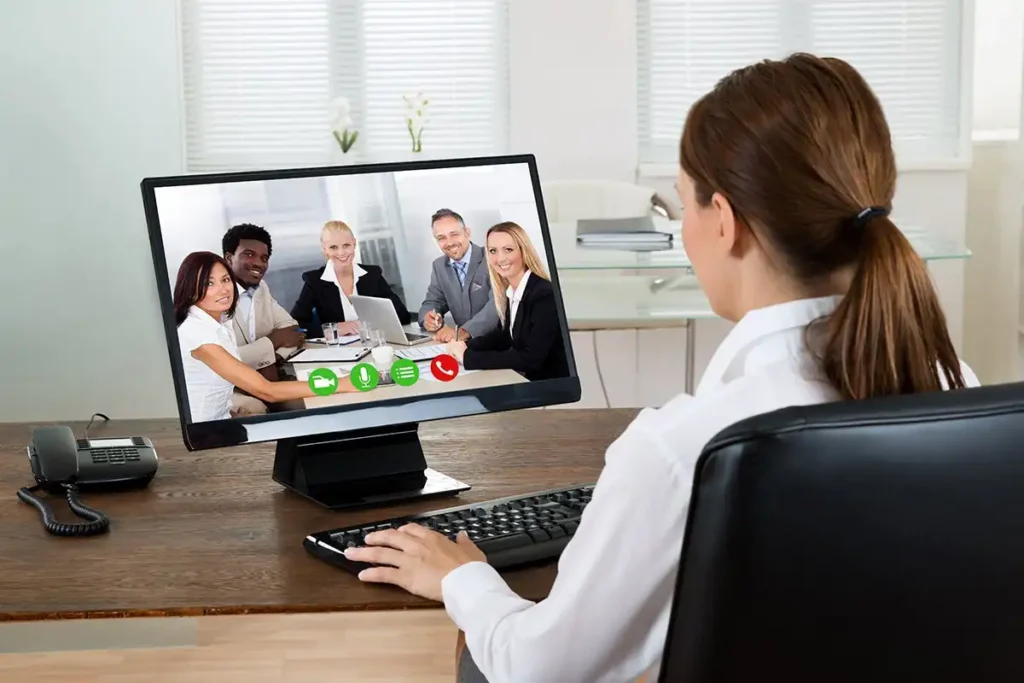
Best Remote Work Setup for Video Meetings
Professional Background and Lighting
Video conferencing has become a daily part of remote work. A professional appearance improves communication and credibility.
Ideal meeting conditions include:
- Clean background
- Soft front lighting
- Quiet environment
- Stable camera positioning
Ring lights and desk lamps can improve video quality significantly.
H3: Quality Audio Equipment
Clear audio is more important than high video quality during virtual meetings. Poor sound causes communication issues and frustration.
Noise-canceling headphones and external microphones help maintain professional conversations without distractions.
Productivity Tips for Remote Workers
Create a Daily Routine
Consistency improves focus and time management. A structured routine helps maintain work discipline and prevents procrastination.
Healthy routines include:
- Fixed start times
- Scheduled breaks
- Dedicated lunch periods
- End-of-day shutdown routines
Without structure, remote work can become mentally exhausting.
Avoid Common Remote Work Mistakes
Many professionals struggle with:
- Overworking
- Constant distractions
- Poor communication
- Lack of boundaries
- Inconsistent schedules
These negative habits reduce productivity and increase stress. Setting clear work boundaries improves balance and performance.
Remote Work Setup for Small Spaces
Smart Space-Saving Ideas
Not everyone has access to a large home office. Fortunately, small spaces can still become highly effective work environments.
Useful solutions include:
- Foldable desks
- Wall-mounted shelves
- Compact chairs
- Vertical storage
- Portable laptop stands
Smart organization maximizes productivity without requiring a large room.
Minimalist Workspace Design
Minimalist workspaces reduce visual stress and improve concentration. Neutral colors, clean surfaces, and simple furniture create a calm atmosphere.
A simple workspace often feels more professional and productive than an overcrowded one.
Mental Health and Work-Life Balance in Remote Work
Separate Work from Personal Life
One major challenge of remote work is maintaining boundaries. Without separation, work can easily consume personal time.
We should avoid working from beds or relaxation areas whenever possible. A dedicated workspace helps create mental separation between professional and personal life.
Take Regular Breaks
Continuous screen time causes fatigue, stress, and reduced concentration. Short breaks improve mental clarity and physical comfort.
Walking, stretching, and stepping outside briefly can refresh energy levels and improve focus throughout the day.
Quick Bio
A professional Remote Work Setup combines productivity, comfort, technology, organization, and balance. The ideal home office supports long-term performance while reducing stress and physical strain. By investing in ergonomic furniture, reliable internet, organized workspace design, and healthy routines, remote professionals can create an efficient environment that improves both career success and personal well-being.
Conclusion
A successful Remote Work Setup is about more than just having a desk and computer. It is a complete system designed to support productivity, communication, comfort, and work-life balance. Every detail matters, from lighting and furniture to organization and internet speed.
Positive workspace habits improve efficiency, motivation, and long-term health. On the negative side, poor setup decisions can reduce focus, increase stress, and create physical discomfort. The key is building an environment that supports both professional goals and personal wellness.
As remote work continues to evolve, investing in the right workspace becomes increasingly important. A carefully planned home office creates a stronger mindset, better workflow, and a healthier daily routine.
FAQ About Remote Work Setup
What is the most important part of a remote work setup?
The most important elements are ergonomic furniture, reliable internet, proper lighting, and a distraction-free environment. These factors directly impact productivity and comfort.
How can we improve productivity while working remotely?
We can improve productivity by following a daily schedule, reducing distractions, organizing the workspace, and maintaining healthy work-life boundaries.
Is an ergonomic chair necessary for remote work?
Yes, an ergonomic chair helps maintain proper posture, reduces physical strain, and improves comfort during long work hours.
What internet speed is best for remote work?
A stable high-speed connection with sufficient upload and download speed is ideal for video calls, file sharing, and uninterrupted communication.
How do we create a remote workspace in a small room?
Using compact furniture, vertical storage, foldable desks, and minimalist organization techniques can maximize productivity even in limited spaces.
Why is lighting important in a home office?
Good lighting reduces eye strain, improves mood, increases energy levels, and creates a more professional appearance during virtual meetings.