1Password has confirmed that an attacker broke into some of its backend systems and copied names and email addresses belonging to some customers. The password manager disclosed the incident on Wednesday, 25 November 2026, and says customer vaults — where passwords are stored — were not touched.
It is the kind of news that worries anyone who keeps their logins in a password manager. So the first thing to know is what 1Password says was taken, and what was not. As TechCrunch’s report on the incident puts it, customer password vaults and other secrets were not accessed — but some account information was.
What happened
1Password began investigating on 19 November 2026, after detecting signs that an attacker had gained access to an employee’s corporate GitHub account. GitHub is where the company stores and shares its source code.
The attacker used that access to reach the company’s source code and push malicious code into its backend services. That code then downloaded administrative records about a subset of 1Password customers.
How the attacker got into the employee’s GitHub account in the first place has not been disclosed, and 1Password has not said who was behind the attack. The company is used by millions of people and more than 200,000 businesses, so even a limited incident like this one draws wide attention — and gives attackers a large pool of names and email addresses to try in phishing campaigns.
What the attacker took — and what stayed safe
According to 1Password, the copied records included:
- Customer names and the email addresses used to sign in to 1Password
- Account and user IDs, and the dates accounts were created and last signed in
- Public keys and Secure Remote Password parameters, which cannot be used to sign in
- Tokens from some invitation and recovery links
The attacker also copied source code from private repositories and gained access to the company’s CI/CD system, which holds secrets used to run 1Password’s infrastructure. 1Password says its source code contains no customer data or user secrets, and it has rotated the infrastructure credentials that may have been exposed.
What was not taken matters more. 1Password says no customer vault content — including secrets, passwords and other vault items — was accessed or compromised. The keys that protect vaults, and account recovery keys, were also untouched. In the company’s own words: “At no time were customer vault contents accessed by, or available to, the attacker.”
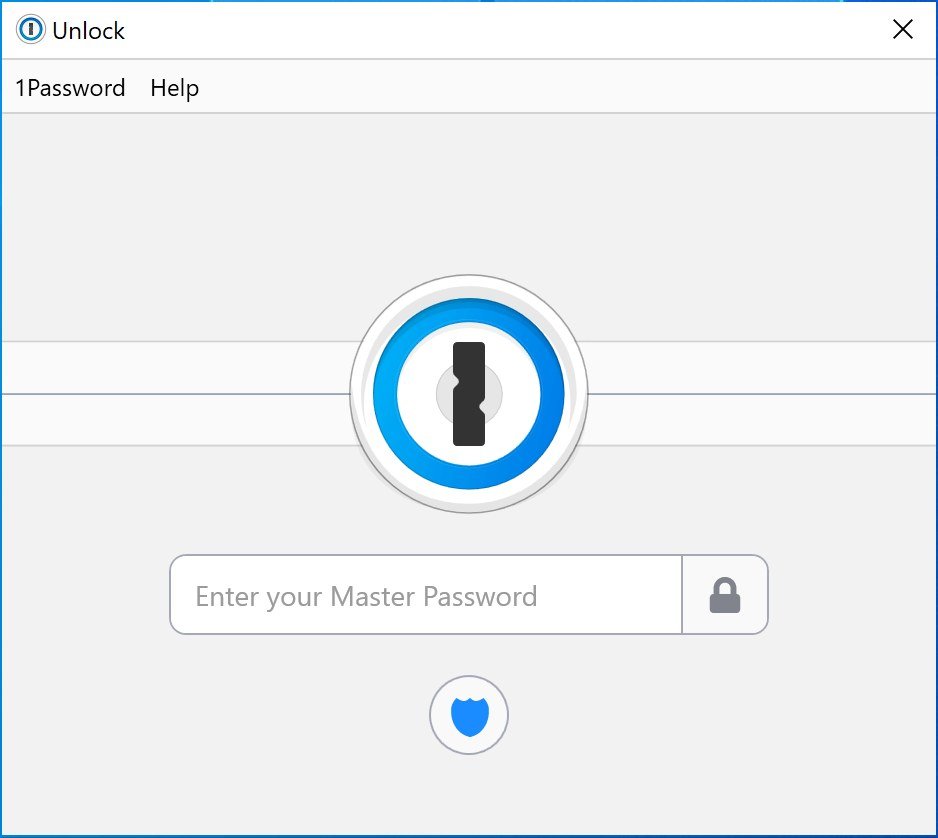
That is because of how 1Password is built. Vaults are encrypted with keys that only the customer holds, so the company itself cannot see them — and neither can an attacker who gets into its servers. 1Password says it does not have access to your account password or your Secret Key, the extra key used to scramble your data.
The company’s apps and browser extensions were not affected, and 1Password says there was no impact on its services, availability or product security.
How 1Password responded
1Password says it disabled the affected GitHub account, revoked the stolen token, removed the access the attacker had created, and rotated internal credentials. It also hardened its GitHub, CI/CD and endpoint controls and restored clean versions of the affected services. The Hacker News coverage of the breach lists the same steps, and notes the company found no sign that anyone used the exposed tokens to get into an account.
As a precaution, the company lengthened the codes in invitation and recovery links from six numeric digits to ten letters and numbers, making them much harder to guess. It says it found no evidence that the exposed tokens were used to take over any accounts.
The company is in the process of notifying the affected customers. It has not said how many customers were affected, only that it was a subset.
What you should do
1Password says you do not need to change anything in your 1Password account. Your vault, your passwords and your Secret Key were not affected, so there is nothing to update.
But there is one real risk to watch for: phishing. The attacker now has names and email addresses, and those are exactly what a convincing scam email needs. Expect unexpected emails, texts or calls pretending to be from 1Password — or from other services — and treat them with suspicion.
1Password says it will never contact you to ask for your account password or Secret Key. If you get a message asking for either, do not click any links in it. Open the 1Password app or go to the site yourself instead.
The incident is the latest in a run of big service problems this month, including the Microsoft 365 outage earlier this month. It is also a reminder of why password managers are built the way they are: the whole point of the design is that a break-in at the company should not expose what is inside your vault. This time, according to 1Password, that design held.
FAQs
Do I need to change my master password?
No. 1Password says no action is needed, because account passwords and Secret Keys were not accessed. Your vault was not touched.
Was my vault accessed?
No, according to the company. 1Password says no customer vault content, including secrets, passwords and other vault items, was accessed or compromised in the incident.
Should I stop using 1Password?
The company says its services, availability and product security were not affected. Because vaults are encrypted with keys only you hold, a backend break-in does not expose your passwords. Stay alert for phishing emails using the stolen names and addresses, but 1Password says there is nothing to change in your account.